FIELD GUIDE / CODING AGENTS / SKILLS
Coding Agent Skills: What They Are, How They Work, and Which Ones to Build
A beginner-friendly path into reusable agent workflows, followed by the practices that make them dependable for serious work.
 Vamshi KrishnaOctober 21, 2026 11 min read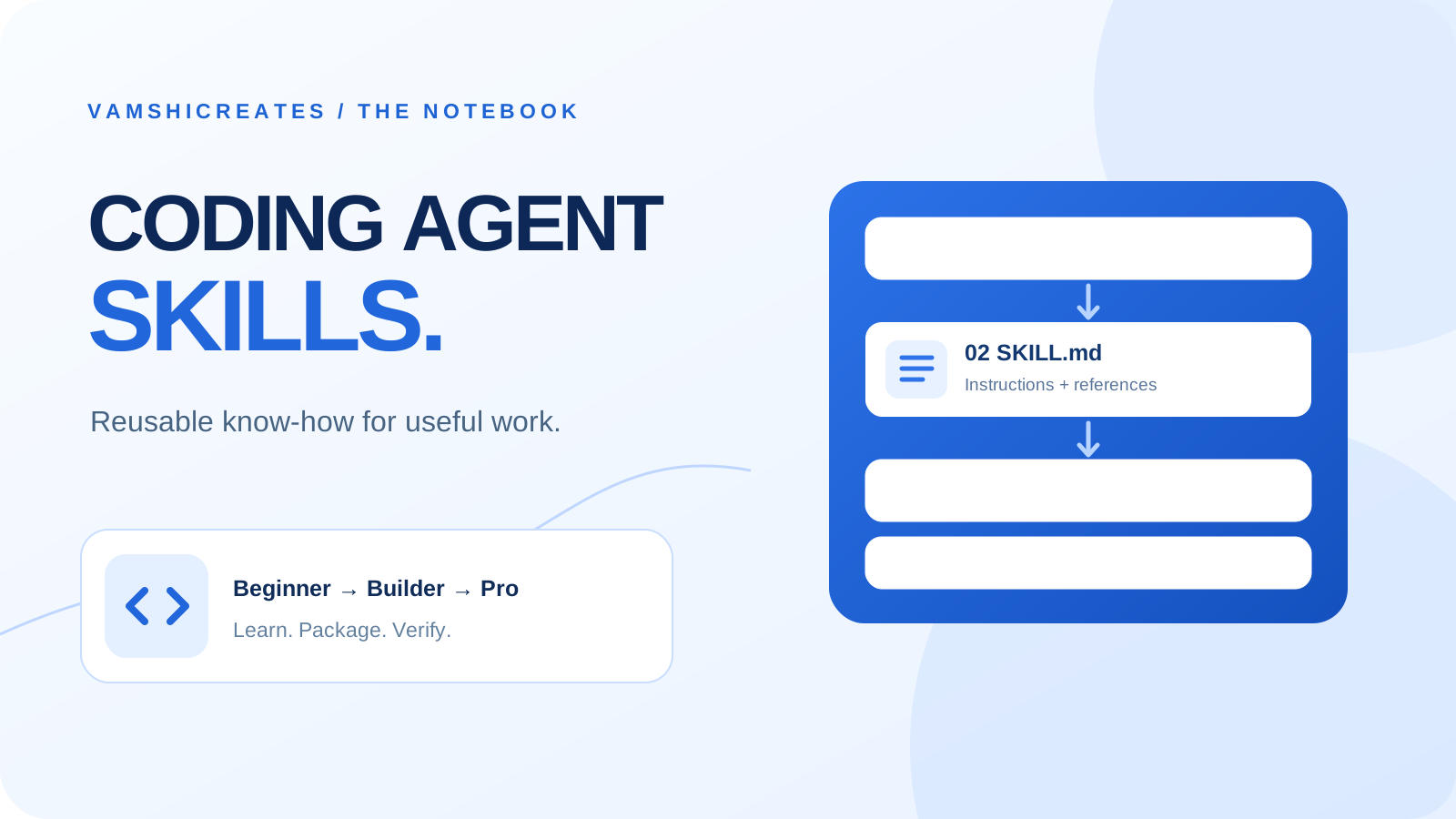
Most coding agents can read files, edit code, run commands, and explain results. A skill gives the agent a reusable way to do a particular kind of work. Think of it as a small playbook: when this task appears, follow these steps, use these references if needed, and show this evidence before saying it is done.
This article is about skills for coding agents as a category, including Codex, Claude Code, Cursor, and Gemini CLI. You do not need to master every tool to benefit. The underlying idea is the same: package the parts of your workflow you keep repeating, then let the agent use them when relevant. The exact installation path, invocation command, and optional settings vary by product.
01 / THE FOUNDATION
What is a coding agent skill?
In the shared Agent Skills format, a skill is a folder containing a SKILL.md file. Its required frontmatter gives the skill a name and a description; the rest of the file explains the workflow. The folder can also hold scripts/, references/, and assets/.
The description matters because an agent uses it to decide whether the skill fits a request. The detailed instructions are loaded when the skill is used. This keeps a large library of skills from filling every conversation with instructions that are irrelevant to the current job.
A prompt asks for one piece of work. A project instruction file describes standing context for that project. A skill describes a repeatable procedure. A tool or MCP connection gives the agent a capability or access to data. The skill can tell the agent how to use available tools, but a Markdown file alone does not grant access to a browser, repository, or account.
For example, “make this page mobile friendly” is a request. A responsive UI skill could teach an agent to inspect the current layout, check common phone widths, fix overflow and touch targets, and include screenshots or test results in its report. The same playbook can serve many pages.
02 / THE LOOP
How does a skill actually work?
A skill can be picked automatically when its description fits, or invoked directly when the product supports that. The common pattern is portable, but product details are not identical: Codex, Claude Code, Cursor, and Gemini CLI document different discovery locations and invocation controls. Start with the plain shared format, then check your agent's documentation for its local setup.
03 / BEGINNER
Start with one job you already repeat.
If you are new to skills, do not collect a hundred of them. Think about one task you ask an agent to do every week: review a pull request, prepare a blog image, check a page on mobile, or turn a bug report into a reproducible test. Write down the steps you would give a careful teammate.
- Define the trigger. When should the agent use this workflow, and when should it leave it alone?
- Define the input. Does it need a repository, URL, design file, error log, or user goal?
- Define the steps. Give a short order of operations, with room for judgment.
- Define “done.” Name the output and the evidence that proves it works.
A good beginner skill might say: “Use this for responsive page reviews. Inspect the page at desktop and phone widths, identify overflow or unreadable controls, fix confirmed issues, and report the widths checked.” That is more useful than “make beautiful websites,” because the agent knows when to apply it and how to finish.
If you still need to set up your coding agent, start with my AI agent setup guide. The skill is the workflow you add after the agent can already read your project and use its tools.
04 / INTERMEDIATE
Write skills that trigger correctly and finish cleanly.
Once you have a working first skill, improve its precision. A vague description causes missed opportunities or makes the skill appear on unrelated tasks. Name the job, the context, and a boundary: “Review React and Next.js pages for mobile layout, keyboard access, and visual regressions; use for page changes, not for backend-only work.”
Keep SKILL.md lean. Move long API details into references/, reusable output files into assets/, and deterministic checks into scripts/. Give scripts clear inputs and helpful errors. That way the agent can read the core method first and fetch supporting material only when it needs it.
“Before changing code, locate the owner component. Make the smallest coherent edit. Run the project build. Inspect the page at 390px and 1280px. Report the changed files and remaining limits.”
“Always make everything premium. Use best practices. Check your work.” It has no clear trigger, sequence, or evidence.
Version skills with the repository when they express team conventions. Keep personal skills in your agent's user scope. Do not assume every vendor-specific frontmatter field will work elsewhere; the shared core is the safest starting point for portability.
05 / THE PRACTICAL LIBRARY
Which skills are worth having?
These are my recommended starter sets, not a claim that every coding agent ships them. Pick the jobs your team actually repeats and build the smallest useful version first.
For developers
Repository orientation
Map the app, find the relevant files, read project instructions, and report what is understood before editing.
Look for: A short code map and a named change plan.Feature delivery
Turn a user story into a small implementation, check edge cases, and run the project's real build or test commands.
Look for: A working feature with evidence of the checks run.Debugging
Reproduce a failure, form a hypothesis, isolate the cause, fix it, and verify the same failure no longer occurs.
Look for: A root cause and a focused regression check.Code review
Look for broken behavior, security or data risks, accessibility gaps, and missing tests in a proposed change.
Look for: Findings tied to specific files and severity.Release readiness
Check configuration, migrations, build output, and the deployed page before calling work complete.
Look for: A verifiable release note and live check.For designers and frontend teams
Design system use
Read colors, type, spacing, and component rules before inventing a new interface.
Look for: Screens that feel like the same product.Responsive layout
Review desktop and phone widths, long text, overflow, and touch targets.
Look for: Layouts that work beyond the ideal screenshot.Accessibility review
Inspect contrast, headings, labels, keyboard focus, and reduced motion.
Look for: A usable experience with concrete fixes.Asset preparation
Create or select images with the right crop, alt text, dimensions, and file size.
Look for: Clear visuals that do not slow the page unnecessarily.For people creating skills
Skill authoring
Turn a repeated workflow into a specific trigger, ordered steps, and an explicit output.
Look for: A small SKILL.md another person can understand.Skill validation
Check folder shape, frontmatter, relative paths, and whether scripts run in a clean environment.
Look for: A skill that can be discovered and executed.Skill evaluation
Try prompts that should trigger the skill and prompts that should not; compare the resulting work.
Look for: Evidence that the skill improves the outcome.One skill can serve more than one role. A responsive layout skill, for example, can guide a designer's review and a developer's implementation. What matters is a clear job and a checkable outcome.
06 / PRO
Treat skills like small products.
At a professional level, the question is not “How many skills do we have?” It is “Do they improve the work?” Test both selection and execution. Try realistic prompts that should call the skill, similar prompts that should not, and tasks with messy inputs. Compare the result with and without the skill. Claude Code's guidance makes this distinction explicitly; the same idea applies across agents.
- Make repeatable steps deterministic. If a formatter, validator, or screenshot script can do the exact job, use it. Leave interpretation and tradeoffs to the agent.
- Keep trust boundaries visible. Inspect third-party skills before installing them, especially bundled scripts. Do not put secrets in skill files. A skill should respect the host agent's permissions.
- Design for composition. A feature-delivery skill may call on a design-review or release-check skill, but each should have one main responsibility.
- Maintain them. Review skills when your stack, design system, or deployment process changes. An outdated playbook is worse than no playbook.
- Measure the output. Track whether the skill reduced rework, missed fewer checks, or improved clarity. A successful trigger by itself proves little.
This is also where skills become useful as team memory. A new teammate can see how your team ships, reviews, designs, and verifies work without learning every convention through trial and error.
07 / BUILD ONE
A first skill you can create today.
Create a folder called responsive-page-review in the skills location supported by your agent, and add a SKILL.md file. The common core can be this small:
---
name: responsive-page-review
description: Review website pages after UI changes for mobile layout, readability, keyboard access, and visual regressions. Use for page or component work; skip backend-only tasks.
---

# Responsive page review
1. Identify the changed page and its design rules.
2. Inspect the page at a phone width and a desktop width.
3. Check overflow, text, focus, controls, and images.
4. Fix confirmed issues and run the project's build.
5. Report what changed, the widths checked, and any limits.
Now test it with “Review this new pricing page on mobile” and “Refactor this database query.” The first should fit; the second should not. Then try a real page and inspect whether the output includes the checks you asked for. Revise the description or steps based on what actually happened.
A skill is a repeatable method, not a magic model upgrade. Clear tasks, suitable tools, current project context, and human review still matter.
OFFICIAL REFERENCES
Read the source for your agent.
Skill support changes over time. These official references explain the shared format and each product's current setup:
Start with one repeated task. Turn it into a skill. Then check whether the work is better.